eBIRForms Not Working
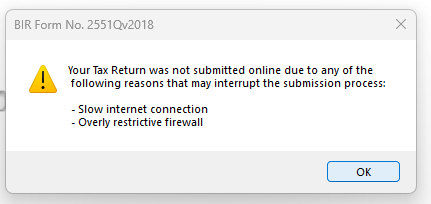
Did you get this error when you tried to submit your or file your tax thru ebirforms:
Your Tax Return was not submitted online due to any of the
following reasons that may interrupt the submission process:
- Slow internet connection
- Overly restrictive firewall
Well I did. But after some tinkering, I was able to make it work. Here’s what I did (writing it here so I don’t forget and maybe help someone else too):
- Install the latest eBIRForms from https://www.bir.gov.ph/ebirforms (not going to link it here, just paste it in your browser)
- Copy the old data from the old installation, specifically the logfile, profile, savefile and success folders
- In the profile folder, add two zeroes to the end of the file name. So if the filename is 12345678900.xml, now it should be 12345678900000.xml
- In the savefile folder, do the same thing with all the files in there (see step 3).
- Add BIRForms.exe to the list of allowed apps by the firewall. To do so, click windows button then type “Allow an app through Windows Firewall”. Add the said file to the list.
- Run EBirForms.exe as Administrator.
That’s it. If it doesn’t work, maybe try recreating your profile.
Let me know in the comments below if you have any questions.
